Install app and activate account
Volg deze stappen om de HUME-app te installeren en je HUME-account te activeren:
Download the HUME app via the Google Play Store or Apple App Store and install it on your phone or tablet. | |||
Request an account from Mentech by providing the desired email address. | |||
You will receive an email from Mentech with a password and instructions. Can’t find the email? Check your spam folder. Click on ‘Go to login’ in the email. 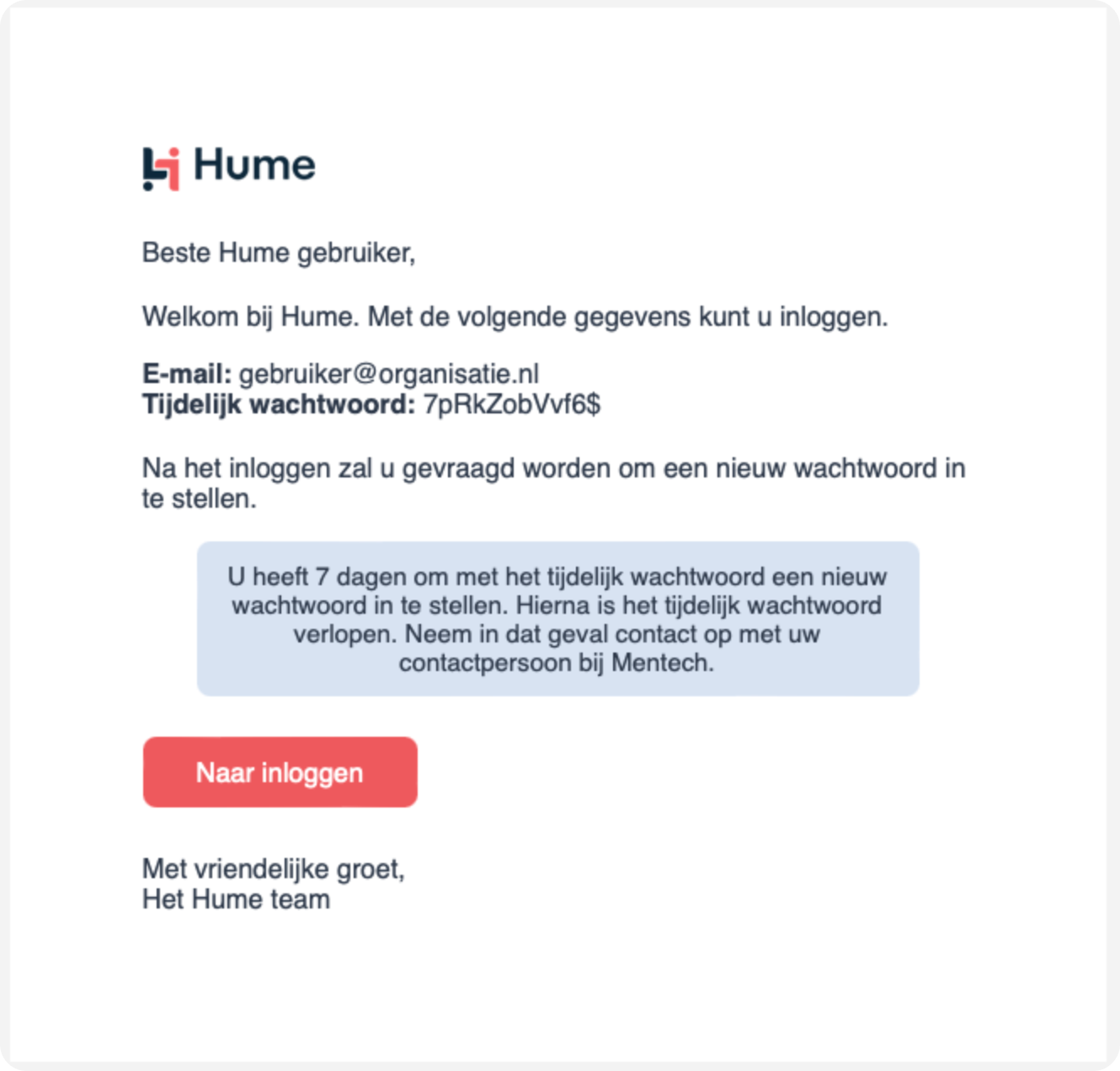
| |||
Enter the name of your organisation and click ‘Next’. 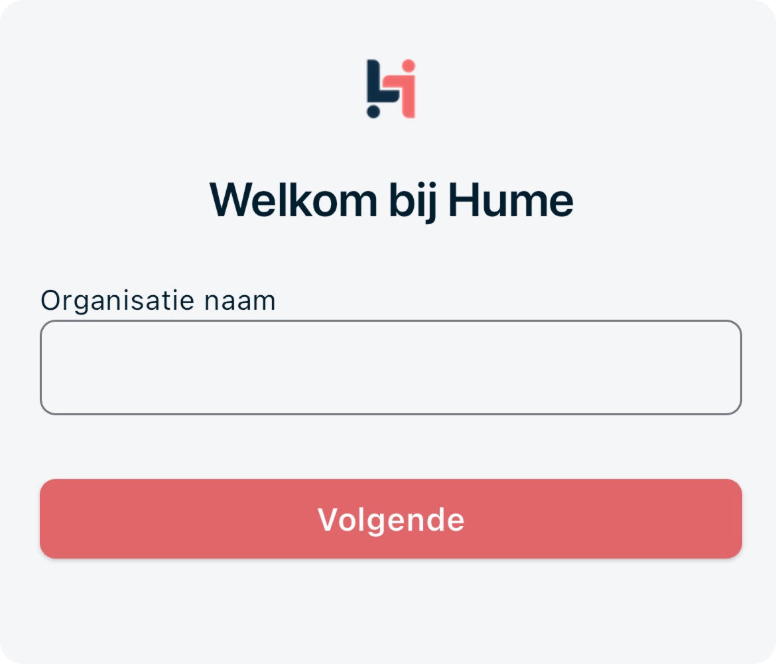 | |||
Log in with your email address and the temporary password from the welcome email. 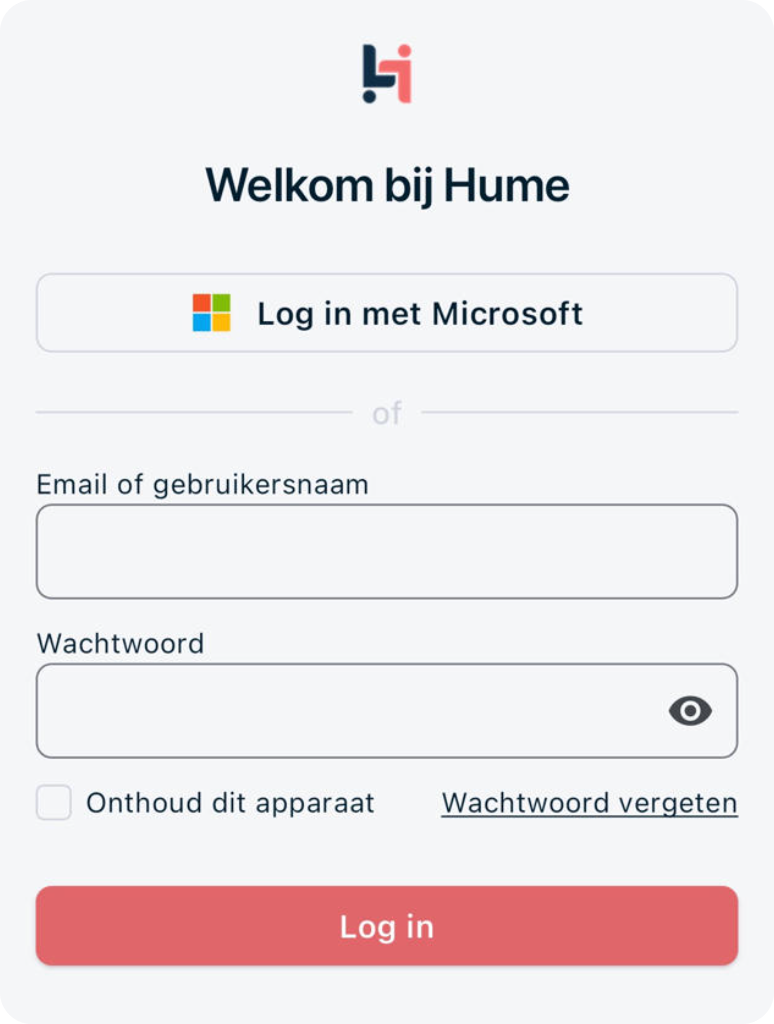 | |||
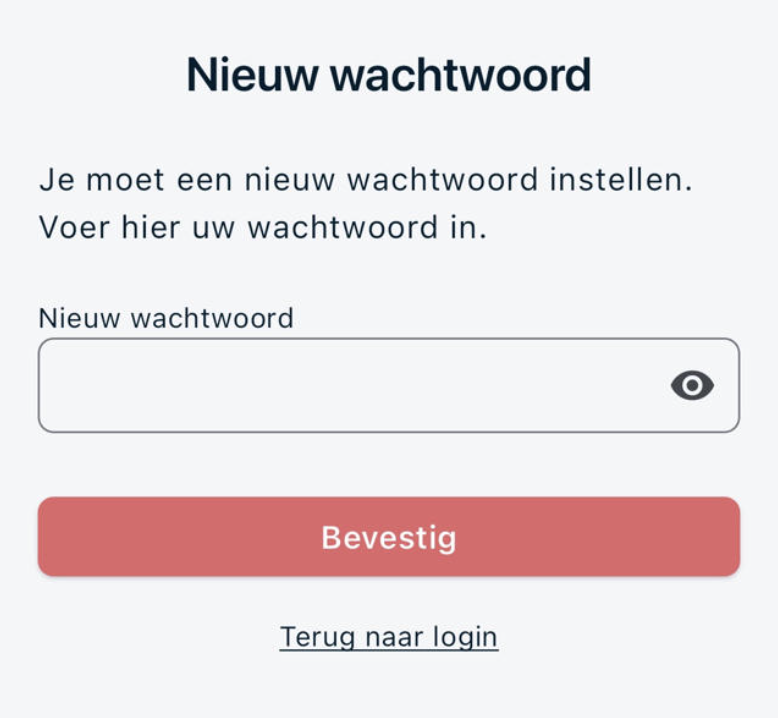
Create a new password of 12 characters. Use an uppercase letter, a lowercase letter, a number, and a special character. Press ‘Confirm’. | |||
| |||
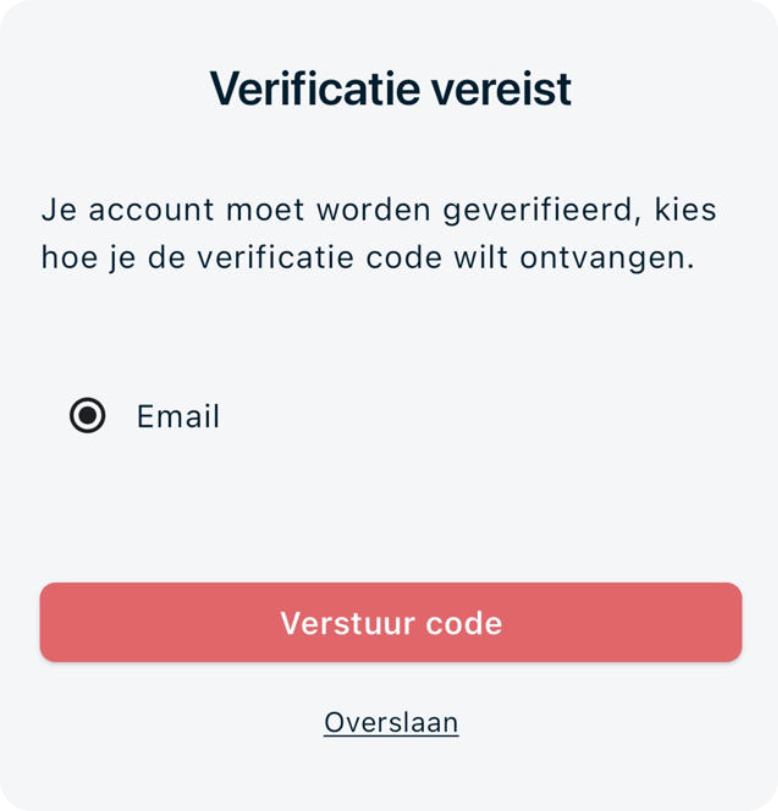
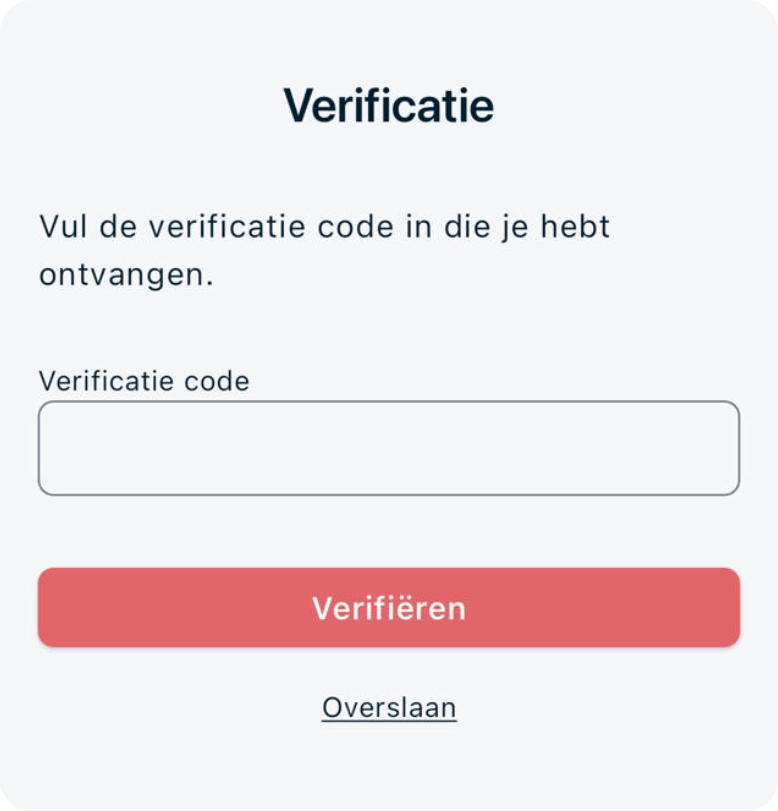
Select Email (the only option). Press ‘Send code’. Check your email, enter the code, and then press ‘Verify’.
| |||
✅ Done! Your account is activated. You can now use the HUME app. |